Faculty Support, Fall 2026
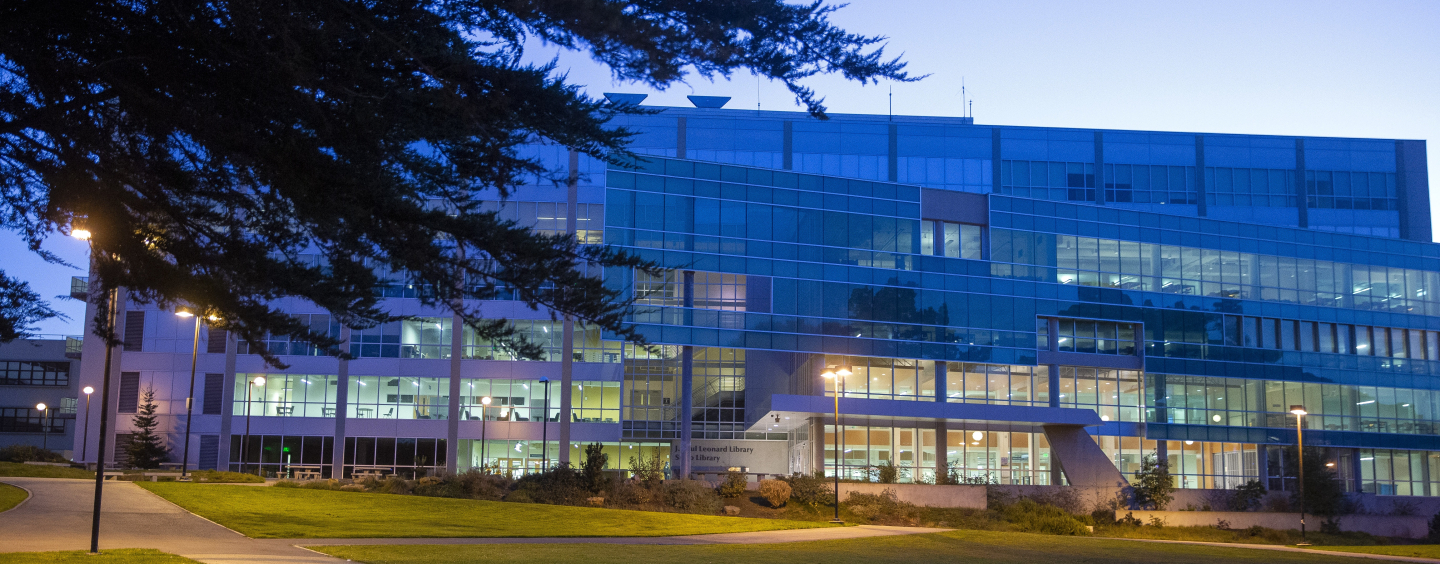
Welcome to a new academic year!
As the semester gets underway, I’m excited to highlight some of the many ways the Library can support your teaching and research, and your students’ success.
Whether you need materials for a course or research project, help identifying resources, or support for students as they learn to evaluate information and use AI tools critically and responsibly, the Library is here as a partner. We know that both the information landscape and the resources available to higher education are changing rapidly, and we are continually adapting to support your work in that changing environment.
Below you’ll find some important updates and resources for the semester ahead. I encourage you to explore them and, most importantly, to connect with us. We look forward to working with you this year!
Christy Stevens, Dean of the Library
You can help make sure every student has access to their required reading by working with us to add books, streaming media, and interactive learning materials to our course reserves collection this semester.
Course reserves at the Library are always free for students to access. Print books with one-, two-, or three-day checkout periods and other physical materials are kept at the desk on the first floor. Digital materials can be accessed from anywhere, anytime.
If you adopt a text that is already available in our collection as an ebook, our team will add it to the Course Reserves list automatically; search for your last name or course number to see what we have! You can also search by title in OneSearch.
Depending on cost and availability, we may be able to purchase materials specifically for course reserves — please use our Course Reserves Request form. And if you own copies of any required materials, we would be glad to put them on reserve and make them available for your students to check out!
Curious about saving your students money by bringing open educational resources (OER) into your classroom? Ask us about Library support for OER.
💡 Students can find a link to our Course Reserves page in the OneSearch box right on our homepage.
Our librarians teach lessons on research techniques and information literacy topics for in-person, hybrid, and fully online classes.
You can request an instruction session tailored to your course and research assignment. Special Collections & Archives also offers primary source instruction on a topic of your choice.
To learn more about the options, set up a consultation with Faith Rusk, our instruction coordinator.
Look in the SFSU Canvas Commons for online learning activities from your SFSU Library on fundamental information literacy skills and concepts. Import them into your Canvas course with the click of a button!
From focusing a research question to advanced searching, we have librarian-created modules to support every step of the research process. You can also find modules created by the Labor Archives (specialcollections@sfsu.edu) on primary source research and topics in labor history.
Each module can be used as-is or fully customized to your class: change the title, incorporate examples from your course readings, assign new point values, etc. Our Menu of Canvas Modules explains all the options. Email us if you have any questions or feedback to share!
More Library Resources in Canvas
Your students can find shortcuts to helpful resources on the default Library Resources page in Canvas — make sure it’s included in the menu sidebar for your course! You can also provide direct access to research guides or databases you recommend.
Much more information here: Accessing Library Resources & Content in Canvas
Syllabus blurbs
Consider adding the Library to your syllabus! Two short messages are ready to use in Academic Technology’s Syllabus tool: “J. Paul Leonard Library” and “Library Research Help.” You’ll find them under Campus Resources > See More.
Our Special Collections & Archives provide access to a wealth of primary source material on a wide variety of topics.
The Reading Room on the fourth floor is open to researchers and curious visitors alike, Tuesday through Thursday, 10 a.m. – 4 p.m., and by appointment.
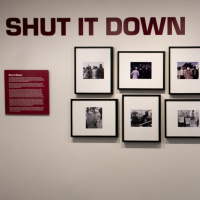
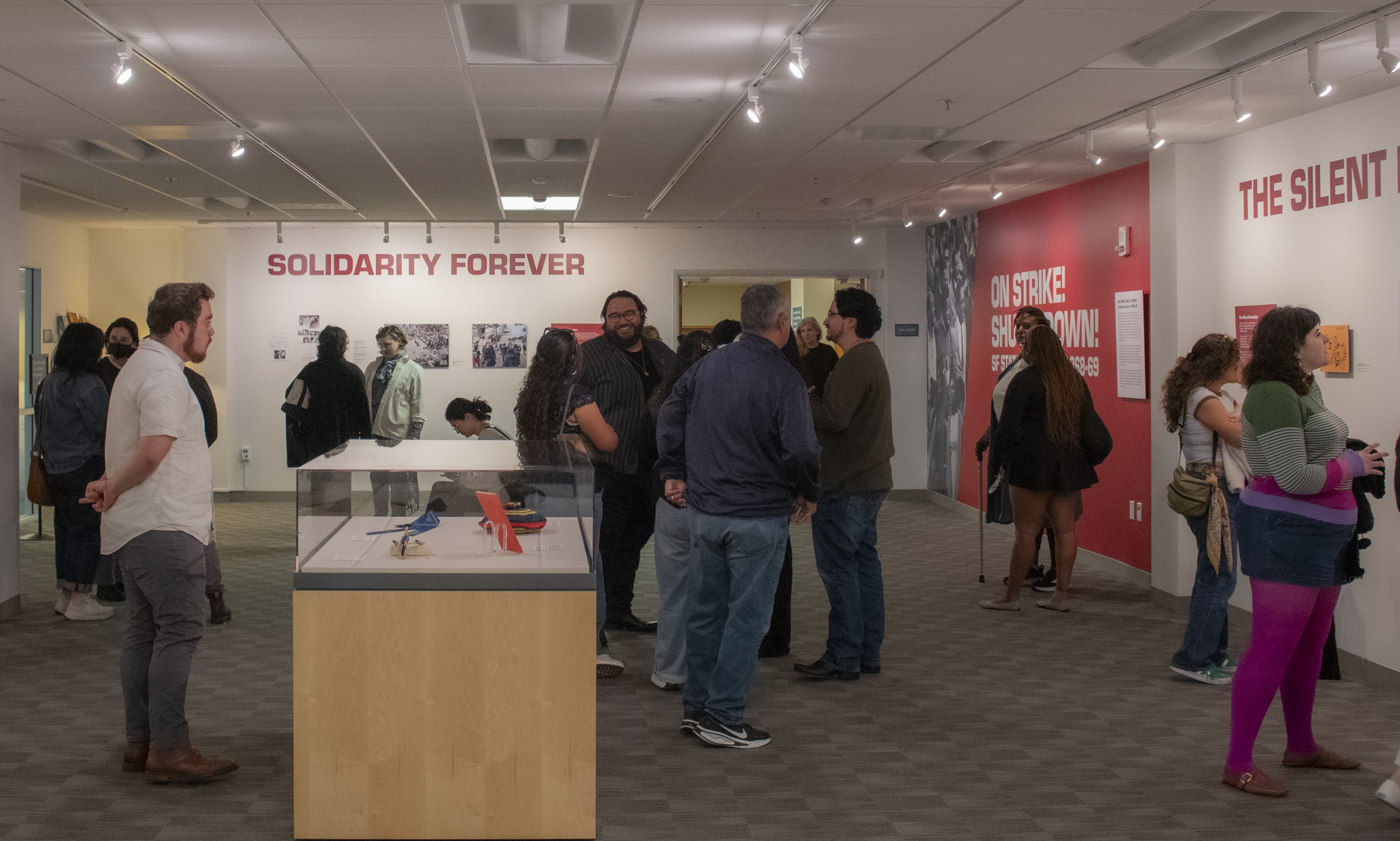
Drop by the Gallery anytime the Library is open and explore our student-curated exhibition celebrating SFSU history: ON STRIKE! SHUT IT DOWN! SF State Strikes of 1968–69.
Our team also offers primary source instruction on wide-ranging topics. Work with us to arrange a class visit to support your assignments and student learning outcomes!
Email the Special Collections & Archives team to make an appointment or learn more.
To find films and media for a course, you can check our streaming resources directly. We recommend starting with Docuseek, Academic Videos Online, and Films on Demand. (In Docuseek, check “Show only licensed films” in the filter panel to find films that you and your students can stream instantly.)
You can also search across platforms through OneSearch, or ask us any time you need help finding something.
Our interlibrary loan system is CSU+, an expanding resource-sharing network that includes institutions across the United States and beyond.
To place a request, first find what you need in OneSearch, sign in, and use the blue “Get It” box in the item record. If it isn’t listed, fill in this OneSearch Request Form with the citation details. Ask a librarian via chat if you would like realtime help searching or placing a request.
You can track all your requests by signing into your Library account.
If you have questions or concerns about interlibrary loan, contact Leah Joy.
Our database subscriptions change periodically, and specific resources sometimes move or become unavailable. Please be sure to confirm that any links in your course site or syllabus are still active.
If you used to be able to access something and the usual way isn’t working, talk to us! We’ll help.
The Library can help you (and your students) explore options for publishing your scholarly work.
Open access without author charges
We have read-and-publish agreements with Wiley, Elsevier, Oxford Press, and American Chemical Society that pay for open-access publishing page charges in many of their journals. Most are accessed with a simple option during the publishing process.
Learn about current read-and-publish agreements from the Library’s Open Access guide.
If you have any questions, please contact William Jacobs.
CSU ScholarWorks repository and open journals
Digital Services & Collections is the Library team responsible for preserving the scholarly work of the University. The team also provides support for SFSU’s instance of CSU Open Journals and creates high-fidelity digital surrogates of cultural heritage items from our Special Collections & Archives.
- ScholarWorks is the CSU institutional repository for theses, dissertations, creative works, research and scholarship. Learn more about ScholarWorks and the scope of its contents.
- CSU Open Journals is the systemwide platform for hosting open access journals. Information about starting a journal can be found in the Journal Publishing Guide.
Contact the Digital Services & Collections team to learn more.
Now through Aug. 28, drop by for a guided tour featuring highlights and insights about your Library. Everyone is welcome!
Meet your guide on the first floor at the info and checkout desk. We’ll start by exploring the building and end with tips for finding what you need on our website.
Hourlong tours will be offered during move-in week and the first week of classes, at a different time each day. We’ll add start times and details to the event page as more tours are scheduled.
Interested in a special tour for your class or group? Need an accommodation, such as ASL–English interpretation, for any scheduled date? Send a request to libraryoutreach@sfsu.edu.
We now check out calculators, noise-canceling headphones, lap desks, white noise machines, tech chargers, and other gear to support students’ learning. When it's time for a break, they can borrow tabletop games, puzzles, vinyl records, DVDs, Lego sets, and other fun stuff. Browse our checkout menus at the desk for more information!
This collection is growing through targeted purchases and donations. Send a note to circmail@sfsu.edu if you have ideas about how we can support you and your students with non-book materials! These do not need to be linked to a specific class or assignment, though they could be. We would love your suggestions!
(We still have books, too, of course. Browse the open stacks on the third and fourth floors, or use OneSearch with the “Held in the Library” filter to explore what’s here.)
We are here to help with individual research and teaching support — and more:
- Email our reference team at ask@sfsu.libanswers.com.
- Book a time to meet with a librarian on campus or online.
- Work with Special Collections & Archives to discover unique primary sources.
- For issues with your library account or checkouts, send a note to circmail@sfsu.edu.
- Get realtime human help whenever you need it via the Ask a Librarian widget on this site.
Tags
Related News